View tiles in your own space with the tile viewer
Choosing a new tile isn’t always easy. What looks beautiful in the showroom might look very different in your bathroom, kitchen, or living room. With Intermat’s tile viewer, you can digitally try out different tiles and discover which colors, sizes, and combinations appeal to you. Curious about how it works? We’ll walk you through it step by step so you can get started on your own.
What can you do with the tile viewer?
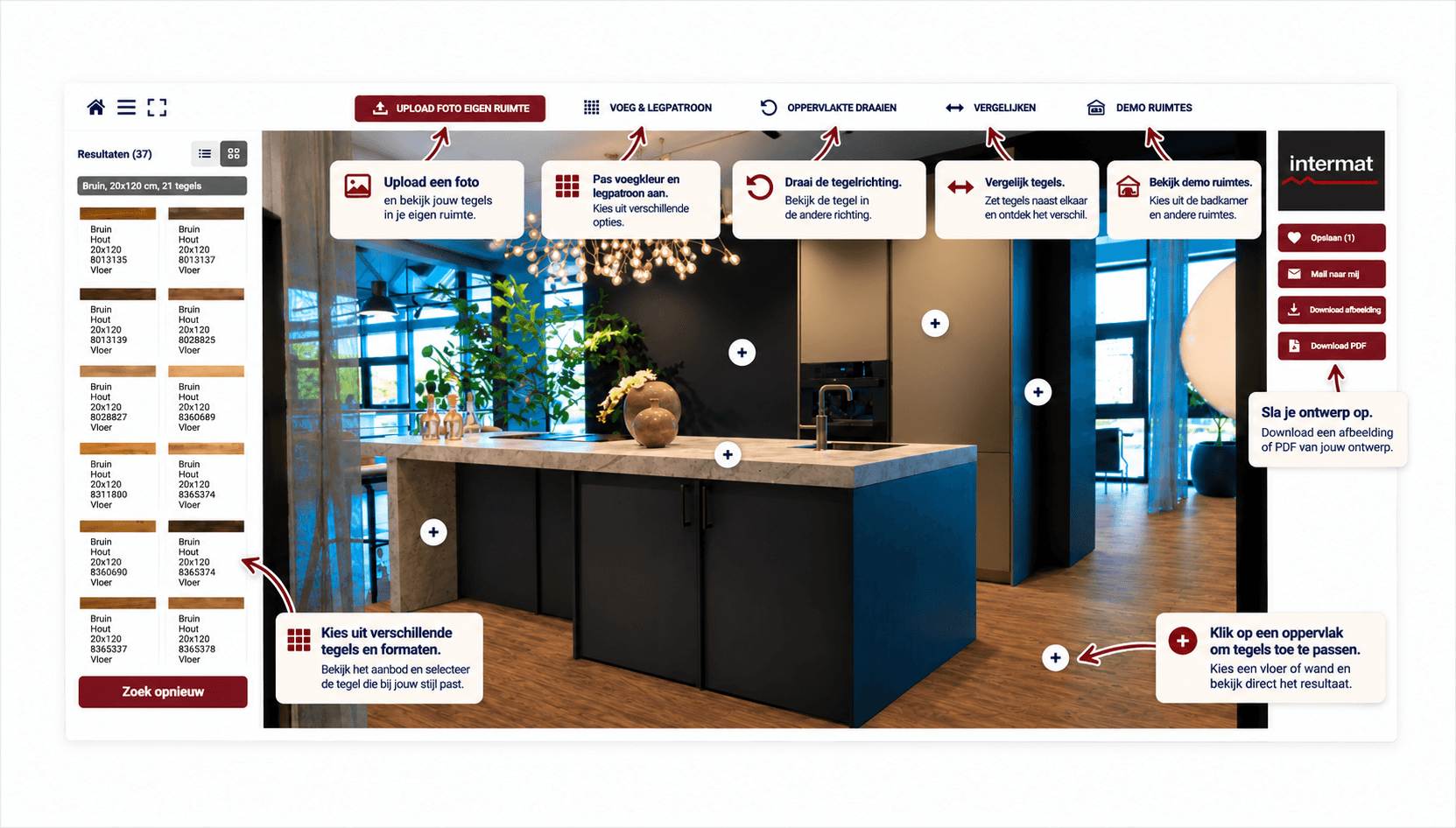
Can’t decide between light or dark tiles? Or do you want to know if a large tile will look good in a small bathroom? With our online tile viewer, you can explore different options before making a decision. You can combine tiles on the floor and walls, try out different sizes, and play with colors, grout colors, and laying patterns. The great thing is that you can not only use sample rooms but also upload a photo of your own space. This way, you can get a preview of how your favorite tiles might look in your home. The image below shows what the tile viewer looks like and the options you have for trying out different tiles.
How does the tile viewer work?
You don’t need any design experience to use the tile viewer. With just a few simple steps, you can try out different combinations yourself.
Step 1. Choose a room
Open the tile viewer and choose a sample room or upload a photo of your own bathroom, kitchen, or other room. This lets you view the tiles in a setting that matches your plans.
Step 2. Find your favorite tiles
Browse the available tiles and discover which colors, sizes, and styles you like. Try, for example, a subtle concrete look or a tile with a striking pattern. Click “More Tile Info” to learn more about the tile you’ve chosen.
Step 3. Combine floor and wall tiles
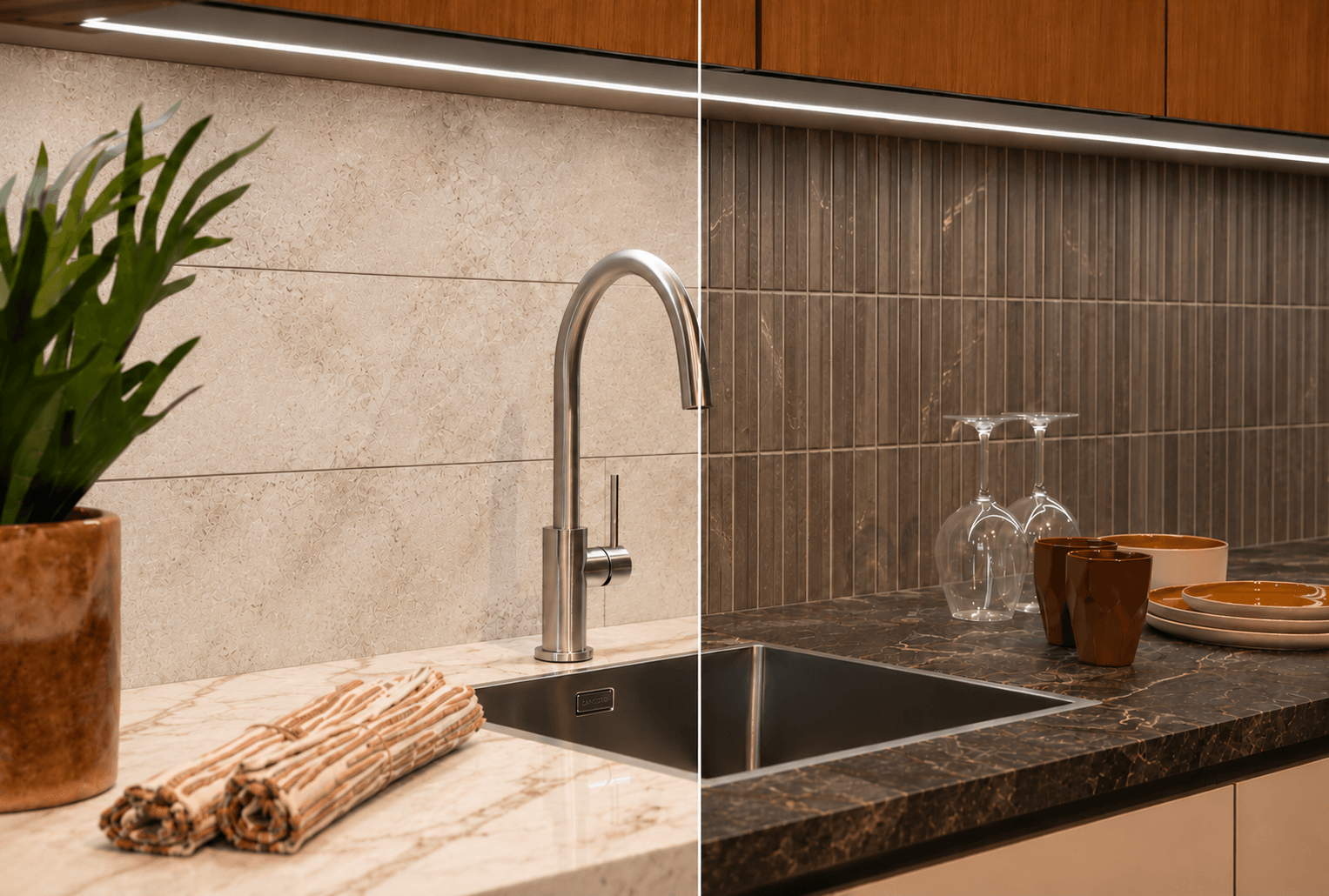
Combine floor and wall tiles and experiment with different grout colors and laying patterns. With “View 2D Layout,” you can see how the tiles look in a flat layout and mix and match different patterns and tiles. Can’t decide between two options? Use the comparison feature to view them side by side.
Step 4. Get tile information or request advice
Have you found a great combination? Click “Email Me” to receive information about the selected tile via email, including a PDF attachment. Did you use a photo of your own space? Then you can download the image with your chosen tiles. Would you like to see the tiles in person? Click “Schedule an Appointment” to request a personal consultation with Intermat.
Discover which tiles suit your space
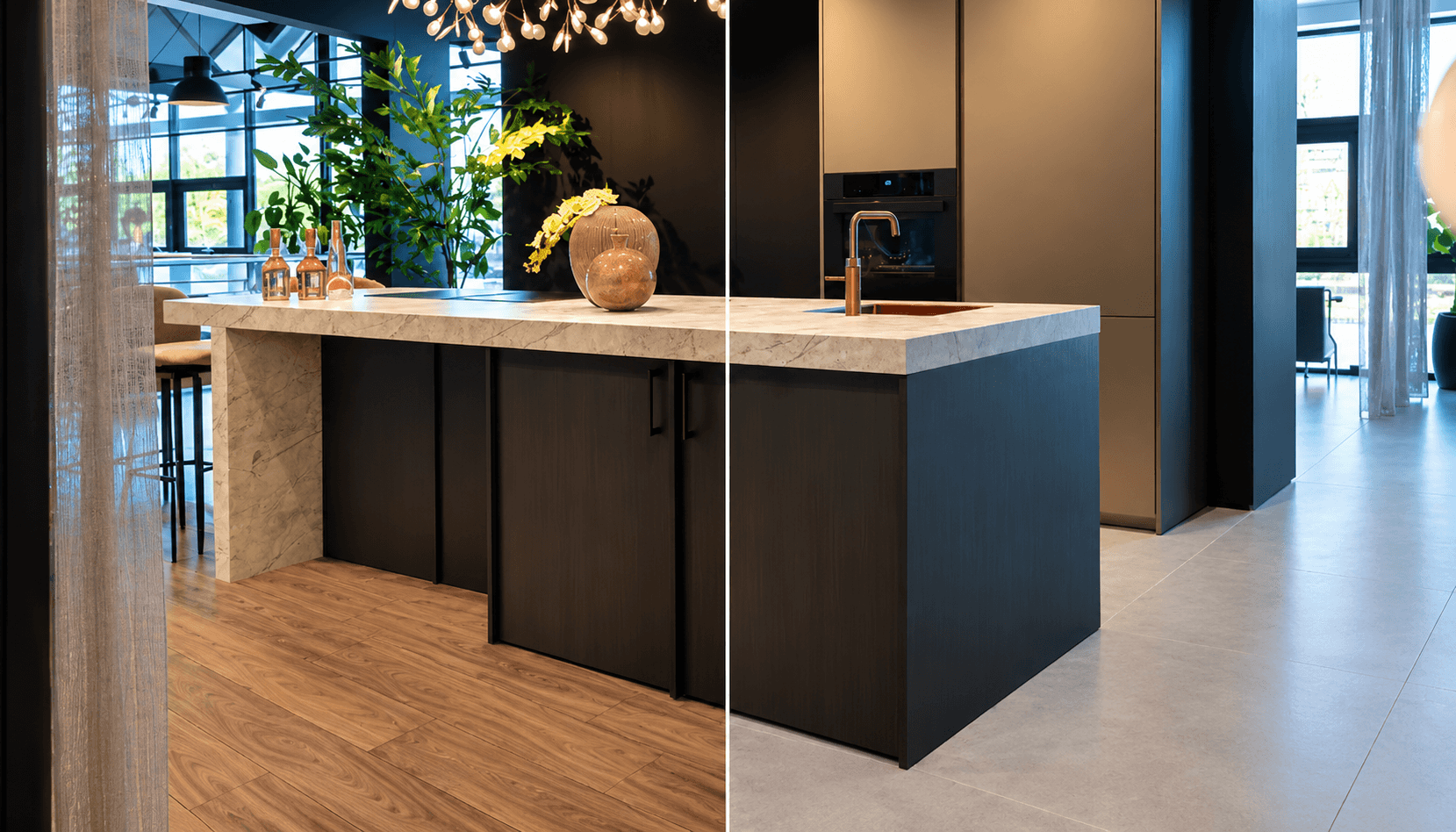
A tile can look very different on its own than when you use it on a large wall or floor. The combination with other materials and the amount of light in a room also make a difference. So feel free to try out several options, including tiles you might not immediately choose. That way, you’ll discover which colors, sizes, and combinations appeal to you the most.
View your favorite tiles in our showroom
The tile viewer helps you get ideas and compare different options. Keep in mind, though, that colors and textures may appear different on a screen than they do in real life. In our showrooms in Mijdrecht and Alphen aan den Rijn, you can see and feel the tiles up close. Our advisors are happy to help you compare materials, sizes, and colors.
Curious to see which tiles would look great in your space? Try out the tile viewer yourself.
Have you found a great combination? Then stop by our showroom to see the tiles in person. Would you like to take your time for personalized advice? Then make an appointment.